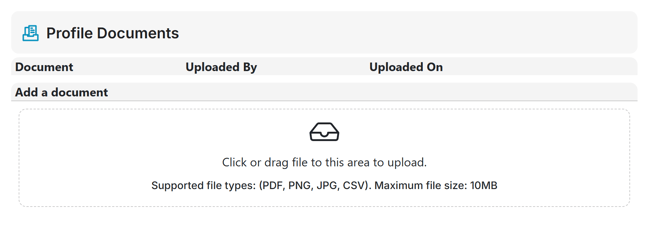
The Profile Documents feature is used to access documents provided to you by FINSYNC. It can also be used to upload documents to provide to FINSYNC as needed.
Note: The Profile Documents feature is only accessible by a Profile Owner. Please contact the individual designated as the owner of the profile you are accessing. If you have any question about Profile Documents or any other FINSYNC features, please contact FINSYNC Support at finsync.com/support.
Note: For businesses that use FINSYNC for Payroll
FINSYNC will provide documents in his section for ease of access. This includes:
-
941s
-
Year end payroll reports
-
Employer copies of W2s and 1099s.
To access Profile Documents:
1. Login to FINSYNC (app.finsync.com)
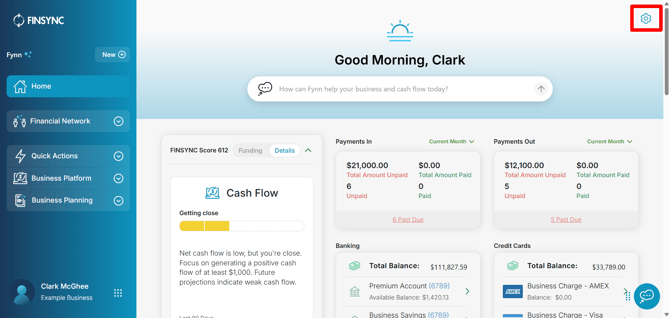
2. From the Home page (or from the Business Platform), click the Gear in the upper right part of the screen.
2. You will be viewing Business section of the Business Setup screen.

3. Scroll down towards the bottom of this section and you will see Profile Documents.
-
Any documents provided by FINSYNC will be accessible in this location and can be downloaded as needed
- You can also upload documents to provide to FINSYNC (as needed)